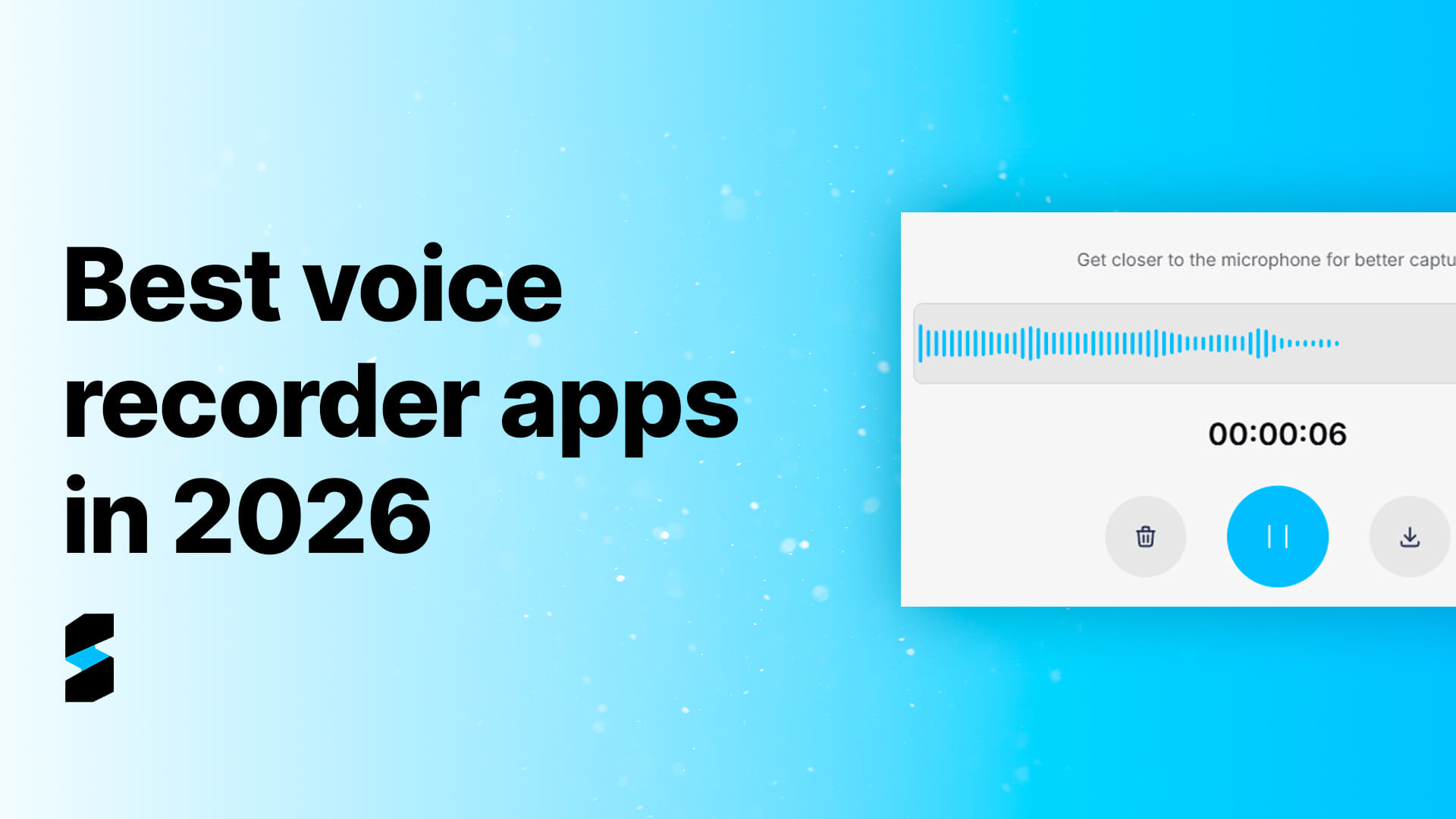

Best voice recorder apps in 2026: 12 picks + how to choose
In 2026, the problem is no longer “how to record audio”. Almost every phone can do that.
The real problem is:
- How to record with quality in real situations (noise, distance, multiple speakers)
- How to turn audio into text you can search and reuse
- How to organize (summary, topics, action items) without re-listening to everything
- How to do it with privacy in mind
This post blends what the best guides do well (criteria + list + privacy considerations) and gives you a simple path to pick the right app.
What makes a great voice recorder app in 2026 (quick checklist)
1) Audio quality
Clear and stable recordings, common formats (MP3/WAV/M4A), and good capture even outside a perfect studio setup.
2) Basic editing
At minimum, you want:
- trim start/end
- volume normalization
- noise reduction (when available)
3) Export & integrations
- export files
- share links
- cloud backups (Drive/Dropbox)
4) Automatic transcription
This is where productivity jumps:
- solid accuracy
- keyword search
- editable text
5) Organization (the real differentiator)
Most apps can record. Some can transcribe. Few can organize.
Look for:
- structured topics
- summaries
- lists/checklists
- next steps/action items
6) Privacy & compliance
Audio is sensitive data. Make sure you understand:
- where your audio is stored
- permissions
- deletion controls
Top voice recorder apps in 2026
1) Sintesy — best for recording, transcribing, and organizing
Sintesy stands out because it solves the “before” and especially the “after”.
You record and it turns your recording into usable output:
- transcription
- topic-based organization
- lists/checklists
- structured insights
In practice, it works like a second brain for classes, meetings, interviews, and quick ideas.
2) Apple Voice Memos (iPhone)
Simple and built-in.
Downside: limited organization and workflows.
3) Built-in recorder (Android — Samsung/Google)
Great for quick recordings.
Downside: easy to end up with a messy audio archive.
4) Dolby On
Great for automatic audio enhancement.
Downside: not focused on transcription/organization.
5) Otter.ai
Strong for meetings and live transcription.
Downside: strongest in English; results vary by language and context.
6) Notta
A solid record + transcribe workflow.
Downside: results can vary depending on audio quality.
7) Smart Voice Recorder (Android)
Lightweight and straightforward.
Downside: no smart organization.
8) ASR Voice Recorder (Android)
More control over formats and settings.
Downside: can feel too technical for casual use.
9) Voice Record Pro (iPhone)
Good export options and advanced features.
Downside: limited “after recording” intelligence.
10) Rev Voice Recorder
Reliable recording with optional premium transcription.
Downside: advanced features often cost extra.
11) Easy Voice Recorder (Android)
Simple daily driver.
Downside: basic organization.
12) Audacity (desktop)
Excellent for editing audio on desktop.
Downside: not an all-in-one capture + transcribe + organize workflow.
“Secret voice recorder” searches: common sense & privacy
Many people look for “secret” recorders to record with the screen off or discreetly.
Important: recording can be legitimate (e.g., a lecture), but it can also become a serious privacy issue if used to violate someone’s privacy or shared improperly.
In most professional settings, the safest approach is:
- tell people you’re recording
- record reliably
- generate a transcript and share a summary
How to choose in 5 minutes (quick test)
- Record 60 seconds in a real environment
- Check if audio is clean
- If there’s transcription, test accuracy
- Search for a specific phrase
- Export/share
If the app returns usable content, you win. If it returns only a file, you’ll do the work later.
Conclusion
The best voice recorder app in 2026 isn’t the one that records. It’s the one that turns audio into usable knowledge.
That’s why Sintesy stands out.