How to Transcribe Google Meet Meetings in 2026
In 2026, there are plenty of apps that can record Google Meet meetings.
The real problem is:
- How to capture audio from all participants without installing anything on each machine
- How to automatically transcribe in English with high accuracy
- How to generate summaries and tasks without spending hours listening to recordings
- How to do this without breaking Google Meet’s rules (terms of service, privacy regulations)
This post compares 10 tools that promise to solve this — and shows which one actually delivers ready-to-use notes.
What makes a good Google Meet transcription tool in 2026 (quick checklist)
1) Native recording vs bot
The ideal solution joins the meeting as a participant (bot) and records in the cloud, without depending on installing extensions or local apps on each device.
2) Accuracy in English
Automatic transcription needs to get technical terms, proper names, and context right. General transcription is easy — specialized language is where most tools fail.
3) Speaker identification
Knowing who said what is essential. Transcription without speaker identification loses half its value.
4) Automatic summary and organization
Having 50 pages of raw transcript doesn’t help. You need:
- executive summary
- topics separated by theme
- list of tasks and decisions
5) Integration with work tools
Export to Notion, Slack, Google Docs, or CRM without manual copy-paste.
6) Compliance and privacy
Recording meetings involves sensitive data. The tool must follow GDPR, CCPA, and allow control over where audio is stored.
Top tools to transcribe Google Meet meetings in 2026
1) Sintesy — best option for ready-to-use meeting notes
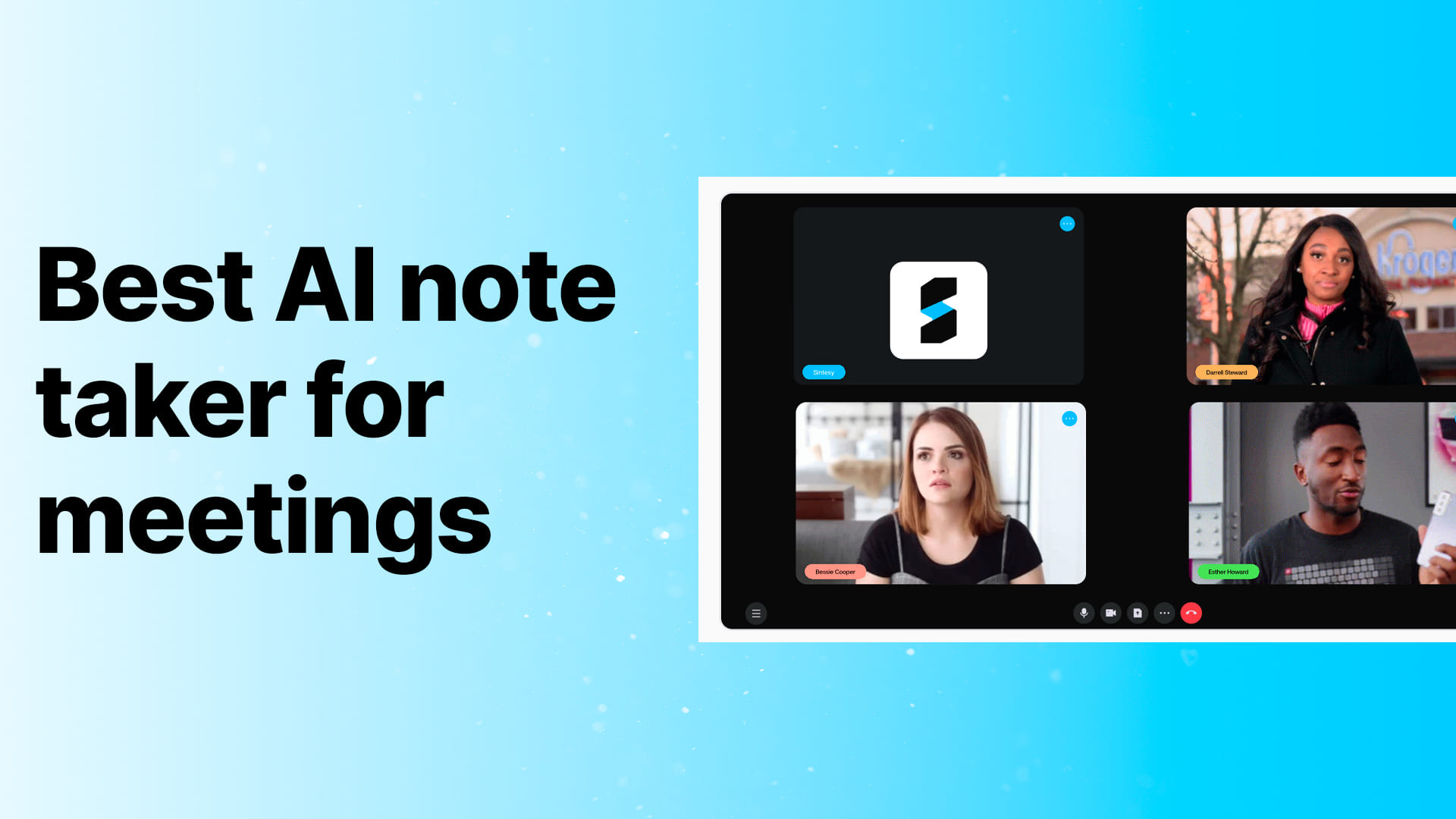
Sintesy stands out because it joins the meeting as a bot, records everything, and delivers structured notes automatically.
Here’s how it works:
- You paste the meeting link
- The “Sintesy Notetaker” bot joins automatically
- Records, transcribes, and organizes everything
- You receive summary, transcript with identified speakers, and tasks
Ideal for: teams that hold daily meetings and need follow-up without manual work.
2) Otter.ai
International reference for meeting transcription.
Weakness: interface can be overwhelming; focus is primarily on English.
3) Fireflies.ai
Popular for sales teams and CRM integration.
Weakness: complex interface; requires learning curve to use effectively.
4) Fathom
Simple recording with good integration with Meet and Teams.
Weakness: limitations on free version; basic automatic organization.
5) Grain
Focused on clips and meeting highlights.
Weakness: more useful for sharing snippets than for complete notes.
6) Tactiq
Chrome extension for real-time Meet transcription.
Weakness: only works when you’re in the meeting; doesn’t record if joining from mobile or conference room.
7) Google Meet native recording + Gemini
Google Workspace’s own feature with transcription via Gemini.
Weakness: only available on paid Workspace plans; limited organization features.
8) Notion AI
Allows attaching recordings and using AI to summarize.
Weakness: manual process; you need to record separately and upload the file.
9) Descript
Audio editor with integrated transcription.
Weakness: focused on podcasts/video; meeting workflow isn’t optimized.
10) Rev.ai
Transcription API with high technical accuracy.
Weakness: requires development/integration work; not plug-and-play.
”Can I record Google Meet meetings without telling anyone”? What the law says
Many people search for this, but here’s clear guidance:
In the US and most countries, recording without notice is risky. Even if technically possible, it violates:
- Privacy regulations (GDPR, CCPA, state laws)
- Google Meet’s terms of service
- Wiretapping laws in two-party consent states
The correct approach is always:
- Announce at the beginning of the meeting that recording is happening
- Register the purpose of the recording
- Ensure participants consent
Tools like Sintesy make this easy because the bot joins visibly and everyone knows recording is happening — no surprises.
How to choose in 5 minutes (quick test)
- Test the accuracy: record 5 minutes of real meeting and see if transcription gets names and technical terms right
- Check speakers: verify if the tool identifies who said what
- Evaluate the summary: beyond raw transcript, see if it generates actionable topics
- Test export: try sending notes to your workflow (Slack, Notion, email)
- Check security: where does the audio stay? Who has access? Can you delete it?
If the tool gives you ready-to-share notes, you win. If it only gives you raw transcript, you’ll still work afterward.
Conclusion
Transcribing Google Meet meetings in 2026 isn’t about “record everything.”
It’s about transforming conversations into documented decisions without manual effort.
If your team wastes time in meetings without clear follow-up, the shortest path is using a tool that joins automatically, records, and organizes by itself.
That’s exactly why Sintesy stands out for teams that value productivity.