Real-time AI translation for meetings (2026 guide)
Global work didn’t become harder because people got less competent. It became harder because teams became multilingual.
A product team in Brazil discusses strategy with a client in the US. A sales call in Spanish turns into a follow-up email in English. A training recorded in English needs to be reused by a support team that speaks Portuguese. The information exists — but it’s trapped behind language.
That’s why real-time translation, AI meeting notes, speech to text, meeting transcription software, and automatic summary have become high-intent searches. People aren’t just looking for translation. They’re looking for execution.
If you want to test the workflow that turns a multilingual meeting into a structured document, start here:
- Try Sintesy free (Dashboard): https://dashboard.sintesy.me/
- Android (Google Play): https://play.google.com/store/apps/details?id=com.sintesy.sintesy_app
What “real-time AI translation” actually means in 2026
Real-time AI translation used to mean captions that were “kind of correct.” In 2026, the expectation is different. Teams want translation that works as part of a pipeline: record, transcribe, translate, summarize, and share.
In practice, real-time translation is a combination of three layers:
Layer 1: Speech to text (transcription)
You can’t translate what you can’t reliably capture. The first step is voice to text — converting the audio into text with enough accuracy that meaning survives. This is where good meeting transcription software matters.
Layer 2: Translation with context
The biggest failures happen when translation ignores context. A “release” can mean software release, product launch, or letting someone go. A good AI translation system keeps context across sentences, recognizes domain vocabulary, and stays consistent in terms.
Layer 3: Output that is actually usable
A transcript is not usable output. Usable output is meeting notes: key points, decisions, next steps, owners, dates. This is where automatic summary turns translation into productivity.
Why multilingual meetings break without a system
Most teams are already doing the work — just badly.
They take notes manually while trying to participate. They translate “important parts” after the meeting. They copy/paste chat logs into docs. Then they lose half the meaning because the context is missing.
A multilingual workflow breaks down in three predictable places:
- decisions get lost
- action items get misassigned
- follow-ups get delayed
If you fix those three, you don’t just “translate.” You build a system that scales communication.
The future of meeting notes: from documents to execution
The future isn’t a world where everyone speaks perfect English. The future is a world where language becomes an interface detail.
When AI can convert voice to text, translate it, and generate structured notes, a meeting stops being a moment in time and becomes a reusable asset. That’s what changes everything for:
- remote-first teams
- sales and customer success
- education and training
- founders and operators
This is exactly why “ai meeting notes” has high intent: it’s about reducing the cost of coordination.
How to use real-time translation + transcription (step by step)
Even if your translation is not literally “live captions,” the workflow is the same. You need a repeatable pipeline.
Step 1: Record the meeting (or upload audio/video)
Start with what you already have: a Zoom recording, a voice note, a training video. If you don’t capture the conversation, you can’t translate it later.
Step 2: Transcribe (voice to text)
Generate transcription first. This makes the content searchable, reviewable, and easy to reuse.
Step 3: Translate for the audience that needs it
Translate the transcript into the language your team actually works in. Good translation keeps names, terms, and meaning stable.
Step 4: Create an automatic summary and action items
This is the part that makes translation valuable. The summary is what saves time. It turns multilingual content into decisions and next steps.
Step 5: Share and store as a knowledge base
Once meeting notes are searchable, you stop repeating meetings. You reuse them.
If you want the simplest workflow (record → transcribe → summarize), read:
If your use case is video content, these help:
Real-time translation vs. “post-meeting translation”: what matters
Teams often ask if real-time translation is required.
In many cases, it’s not.
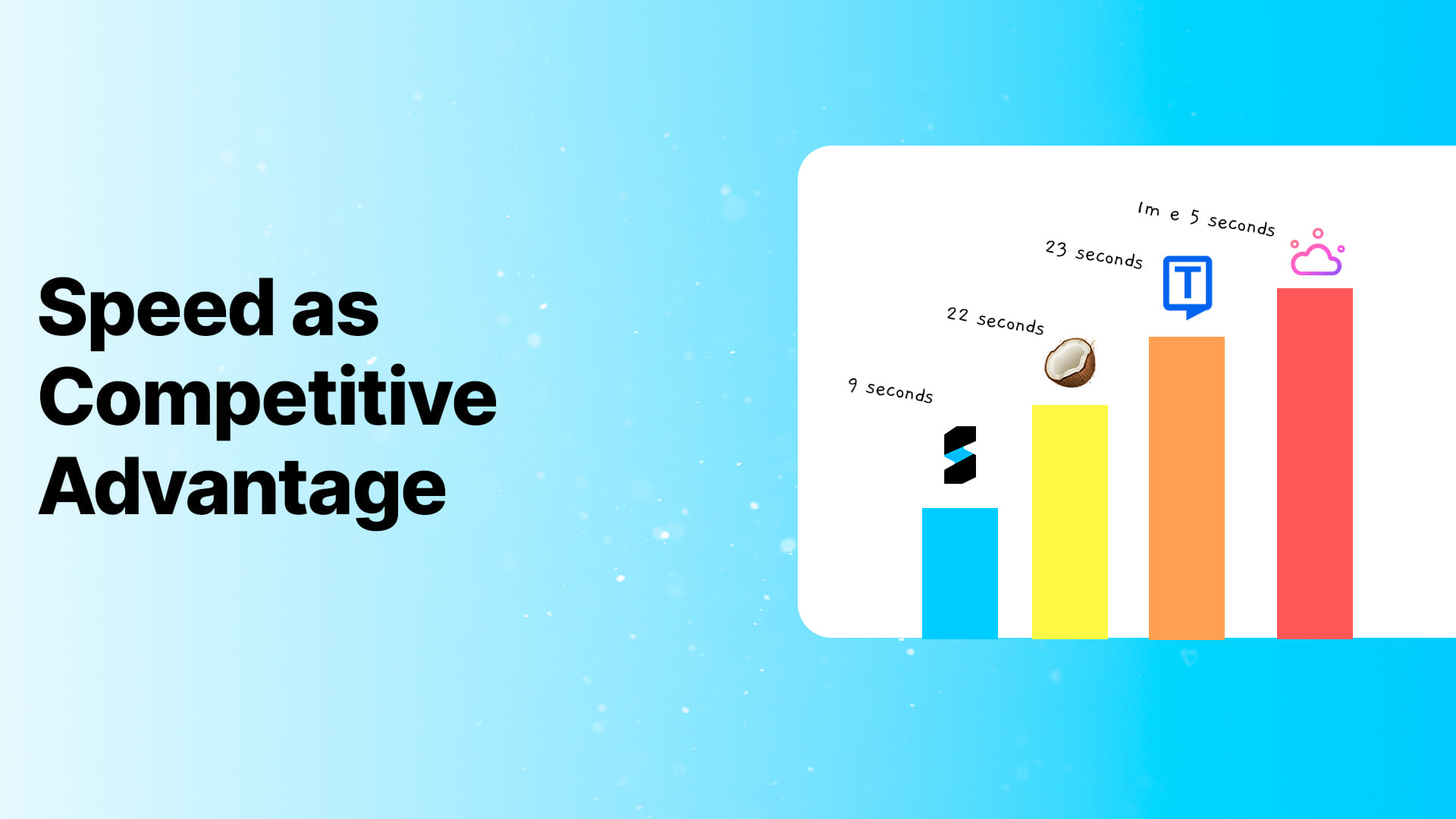
The real value is speed-to-clarity. If your team gets a translated summary and action items within minutes, you’ve already won. The difference between “live” and “near-real-time” becomes irrelevant compared to the old world of manual notes and delayed follow-ups.
What to look for in a real-time AI translation tool
If you’re comparing tools in 2026, don’t judge them by “languages supported.” Judge them by output quality.
Accuracy in messy audio
Multilingual meetings often happen in noisy rooms or on bad connections. If transcription fails, translation fails.
Consistency in terminology
Business vocabulary matters. Product names, feature names, metrics, and responsibilities must stay consistent.
Automatic summary that preserves intent
A summary that misses the decision is worse than no summary. You need summaries that preserve intent, not just keywords.
Export and distribution
Your team will only adopt what fits the workflow. Sharing and exporting are not “nice-to-haves.”
The conversion question: is there a free option?
People search for “free real-time translation” and “free AI meeting notes” because they want to test with reality.
That’s the right move.
The best test is simple: take your messiest multilingual meeting, run it through the tool, and check whether the output is clear enough to act on.
- Try Sintesy free (Dashboard): https://dashboard.sintesy.me/
- Android (Google Play): https://play.google.com/store/apps/details?id=com.sintesy.sintesy_app
FAQ: real-time translation AI
Does real-time translation work for meetings with multiple speakers?
It can, but quality depends on audio capture and transcription. Tools that handle speaker separation and real-world audio produce better translation downstream.
Is speech to text required before translation?
For most workflows, yes. Speech to text creates the base layer that can be reviewed, searched, translated, and summarized.
What’s the best workflow for multilingual meeting notes?
Record → transcribe → translate → summarize → share. The key is speed and structure, not perfection.
Can I translate a video to text and summary?
Yes. If you can transcribe video to text, you can translate the transcript and then generate a summary for the audience that needs it.